How Do I Remove Indicators From My Charts on TradingView?
To remove indicators from your chart:
1. Hover over the indicator label at the top of your chart.
2. Click the “X OR BIN” next to the indicator name to remove it.
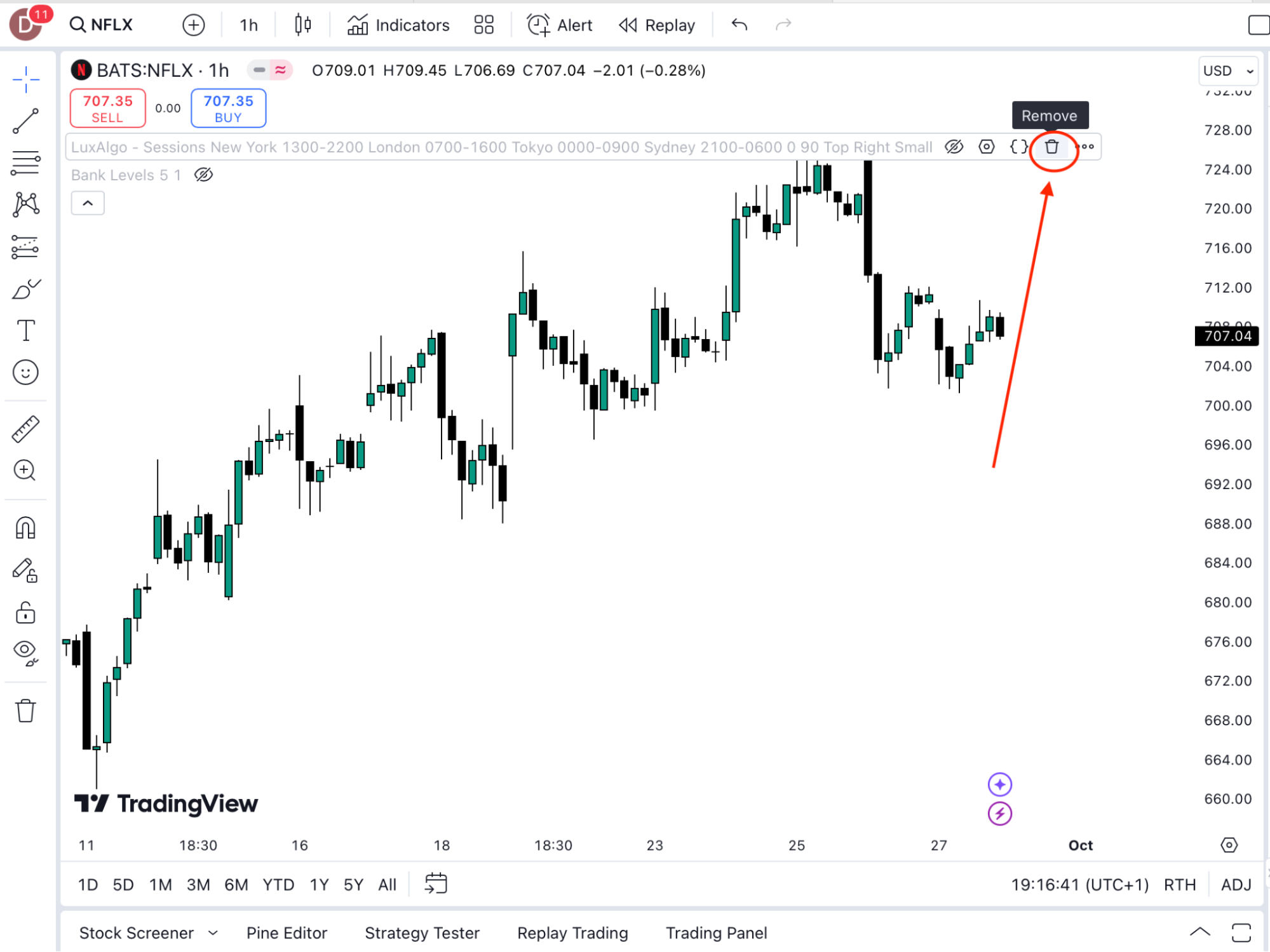
3. Alternatively, right-click the chart, select “Remove Indicators”, or open the Indicators panel and manually deselect them.
4. Lastly, you can click on the indicator on your chart, and use your “Delete” or “Backspace” button.
Was this FAQ helpful?
YesNo